AI bootcamp for companies of 15 to 100 people
Your team using AI on real work in four weeks.
A hands-on program run inside your company. Everyone works on their own tasks, under rules your leadership approves. On the last Friday, each team shows your leadership what it built, what it costs and the time it saves, measured.

Who it is for
Teams that tried AI, or never started, and want it to stick.
Most companies hand out chatbot logins and hope. A few people get good, nobody shares how, and no one knows what data went where or what it costs. This program gives AI at your company an owner, written rules and a bill someone reads.
- Companies of about 15 to 100 people, with some AI experience or none.
- Runs alongside people's normal jobs. No new department.
- No developers needed. The core program is no-code.
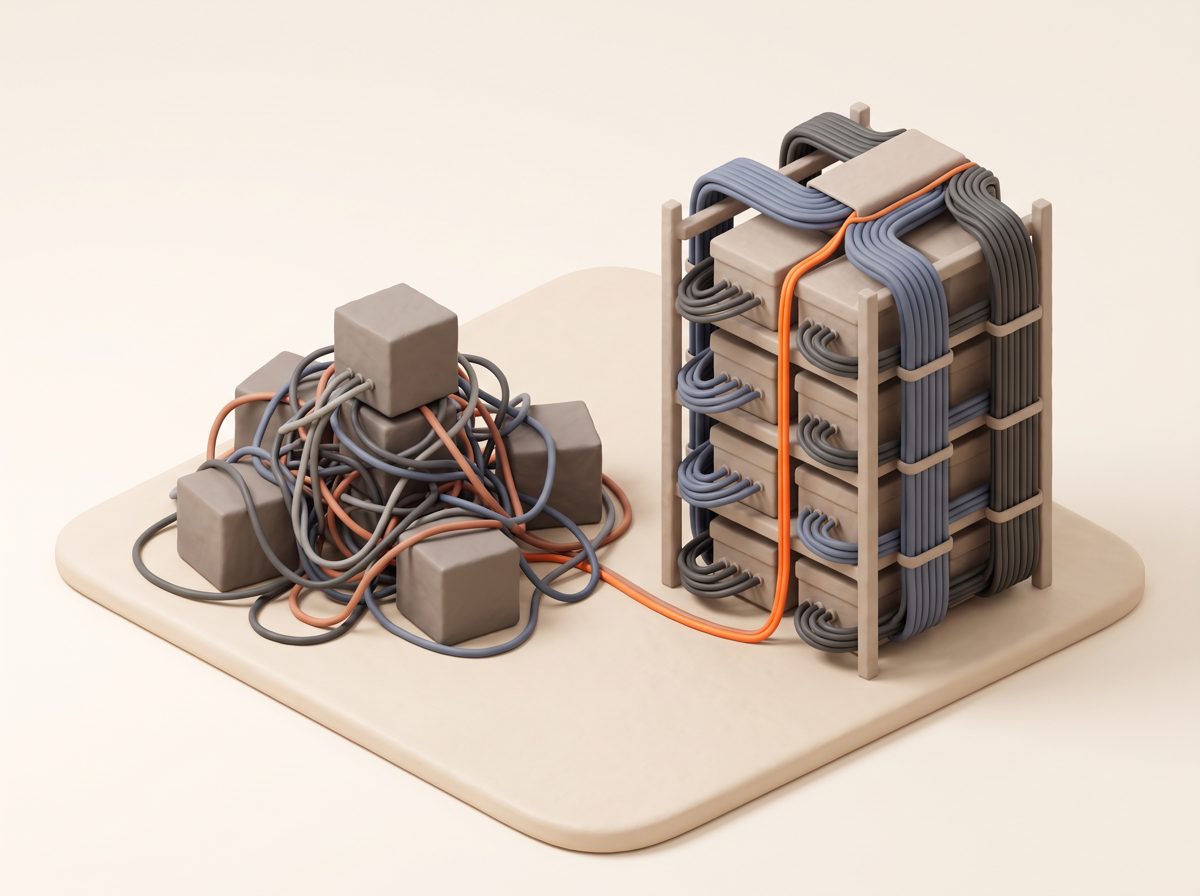
The role ladder
Every company runs AI through four roles.
Each week builds one role. Finishing a week makes someone eligible for that role. It never grants system access on its own; your company decides that.
Users
Everyday employeesConfident, competent daily use on their own work.
Power Users
Advanced daily usersBuild working automations and measure the net time they save, counting the checking and fixing.
SMEs
The person who knows a part of the company coldOwn the knowledge AI uses in their area, and test that its answers are right.
Admins
Reviews, approves and controls accessKeep the company's AI clean, cheap and safe.
How a week runs
One live hour, then real work.
At least 60% of each person's time is hands-on. Every working session ends with something they made: a saved prompt, a running automation, a test score, a signed page.
Live hour
The week's ideas, taught once, with questions. Then straight into the first work session.
15-minute practice
One small task on real work, two short cards and three questions. Streaks count toward the team score.
Work sessions
Short lessons that end in an artifact you can open, plus an optional office hour mid-week.
Boss challenge
Each team ships one working automation and demos it live, tested on real past cases.
The weeks
What your company has at the end of each week.
Set up before day one
A short kickoff with your sponsor. Name the Admin, the SMEs and the teams.
You leave with
- An approved-tools-and-data page everyone can find
- A first draft of who approves what
- Access requests sent early, because they take days
Users: AI on real work, safely
What AI is, what it gets wrong, how it is priced. A safety check, then every person finishes one real task with AI on day one. Prompting, connecting AI to approved tools, and writing a repeated task down as steps.
You leave with
- Every person's first real task done and checked
- Each person on the cheapest plan that covers their work
- One automated task per team, tested on 10 past cases
Power Users: automations that run
Reusable prompt templates and a personal system for notes and drafts. Each person builds two automations in Zapier (or Power Automate if you run Microsoft 365) and runs them on real work.
You leave with
- Two automations per Power User, each run twice with a check
- Net time saved, measured in a tracker
- A shared library of the best prompts and workflows
SMEs: your company's knowledge
Start from one person's daily question. List every system that holds company data. Decide what may go to which AI tool, curate the knowledge, then test the AI against real questions.
You leave with
- A signed data-boundary page
- Knowledge per department, uploaded through a written process
- A 20 to 30 question test set, scored, per SME
Admins: run it like a business
Who approves what, who to ask, the monthly AI bill review, accounts and two-step sign-in, and a security calendar. Teams harden their Week 3 workflow into one system with an owner.
You leave with
- An approval map and an escalation chart with real names
- A monthly cost review and a security calendar
- One system per team, with a written pilot decision
Challenges and scoring
Points for things you made. Never for hours you claim.
Teams earn points for work someone can open and check. Time saved is measured in the tracker and never scored, so the number your leadership sees stays honest.
Earned on evidence
- Each lesson's artifact, weighted by difficulty
- Daily practice, with a bonus for a full week
- The Friday boss challenge and demo day
One per rung
- User, Power User, SME and Admin, each earned by passing that week's challenge
- A Demo Day badge for presenting to leadership
Teams, not people
- Score per active member, so small teams can win
- Updated every Friday
- Individual scores stay private to each person
Week 4, Friday
Demo day, for your leadership.
- The company readout first: people through day one, automations running, net hours a week from the trackers, knowledge approved, AI spend per month. Every number comes from work the teams turned in.
- Then each team, 10 minutes: the problem, a live run, what it costs a month, the time it saves, who owns it.
- Leadership decides: each system gets a written pilot or not-yet, with the reason.

Security first
Nothing reaches an AI tool until someone decided it may.
- A safety check on day one, before anyone uses real work
- A written process for every document that goes into AI
- A data-boundary page your lawyer can read in five minutes
- Two-step sign-in, offboarding and a security review on a calendar
Cheap first
The least expensive option that does the job well.
- Each person on the plan that covers their work, not the top tier
- Tools you already pay for before new ones
- Every tool and automation on its own line of the bill
- One person reads the AI bill every month
Time per person
Each role takes only the weeks it needs.
| Role | Takes part in | Total time | Busiest week |
|---|---|---|---|
| Users | Week 1, plus demo day | about 9 hours | about 7 hours |
| Power Users | Weeks 1 and 2, plus demo day | about 16 hours | about 7 hours |
| SMEs | All four weeks | about 28.5 hours | about 8 hours |
| Admins | All four weeks, plus Week 0 | about 30 hours | about 9 hours |
Estimates, including the live hour and daily practice. The program has not yet run with a full cohort, so treat these as a planning guide.
Pricing
One price for your company.
Core program
Four weeks plus Week 0, for one company cohort.
- Monday live hours and Friday challenges
- Daily practice, worksheets and templates
- Scoring, badges and the team leaderboard
- Demo day and the company readout
Round 2
For companies that finished the core program. For your builders and Admins.
- Building your own AI tools safely
- Hardening them for real use
- Testing AI answers automatically
- Multi-step AI agents and cost at scale
Extra help
$200 an hour, sold in 5-hour blocks. Use them within 90 days of purchase.
- Calls and screen shares
- Reviews of what your team built
- Help with the stuck part
Referrals
For each company you refer that enrolls in the core program or Round 2.
- Paid to you once their payment clears
- Tell them to name you when they pay
Prices in US dollars. Pay by bank transfer (ACH) or card, or ask for an invoice. All sales are final; see the terms of sale. Your AI tool subscriptions (for example chat seats or Zapier) are separate and paid by your company.
Questions
What companies ask first
Do we need developers?
No. The core program is no-code. Building your own apps is part of Round 2, for companies that want it after the core.
How much time does it take?
It depends on the role: about 9 hours in total for Users, about 16 for Power Users, and about 28 to 30 for SMEs and Admins, with no week over about 9 hours. These are estimates that include the live hour and daily practice.
What tools do we need?
An approved AI chat app for each person on your own company accounts, and Zapier for the automation weeks. If you run Microsoft 365, Power Automate can be used instead. Week 1 shows how to pick the cheapest plan that covers each person's work.
Where does our data go?
Your data stays in your systems and your accounts. Nothing runs on the instructor's systems. Week 0 sets what may go into AI tools, and Week 3 turns that into a signed data-boundary page.
Who owns what we build?
You do: your automations, your knowledge base, your accounts. The program materials are licensed to your company for internal use.
Can we get a refund?
No. Materials are delivered at kickoff, so all sales are final. You can move your start date once at no charge, to a date within 90 days, if you ask at least 10 business days ahead, and you can swap who attends within your company. See the terms of sale.
Do you pay for referrals?
Yes. Refer another company and, when it enrolls in the core program or Round 2 and its payment clears, I pay you $500. Ask them to name your company when they pay.
Do you promise time savings?
No. The program measures them. Each automation is timed before and after, counting the checking and fixing, and your leadership sees the measured number on demo day.
Contact
Tell me about your company.
Send your company name, its size, and one task your people repeat every week. I'll tell you whether the bootcamp fits and when the next cohort can start.
Run by Andrew Lombardi.